A contact lens case on the bathroom counter does not tell you much. Is it a fresh pair or one you opened weeks ago? Are those lenses biweekly or monthly? Is that gray color the one you meant to wear, or the pair you already replaced? A lens replacement calendar guide gives every pair a clear start date, replacement date, and label – so you are not left guessing when your eyes deserve a fresh set.
For anyone who wears contacts every day, occasional colored lenses, or more than one prescription, replacement tracking is not a small detail. It is the difference between a routine that feels controlled and one built around trying to remember what happened last Tuesday.
Why a Lens Replacement Calendar Matters
Contact lens schedules are easy to forget because the lenses themselves look nearly identical from one day to the next. Packaging gets thrown away, reminder emails disappear, and a case can sit in a drawer long enough that its history becomes a mystery. If you rotate between clear contacts, colored contacts, backups, or different prescriptions, that confusion builds quickly.
A calendar makes the decision simple. Instead of asking, “Can I keep wearing these?” you can check the date you recorded when you opened them. That matters because replacement schedules are based on the type of lens and the manufacturer’s instructions, not how clean the lenses appear or how often you happened to wear them.
Your eye care professional’s directions always come first. A calendar is not a substitute for those instructions. It is the practical tool that helps you follow them consistently.
Start With the Replacement Schedule on Your Box
Before entering anything on a calendar, identify the wearing and replacement schedule for each box. Do not assume all contacts follow the same timeline. Daily disposables are discarded after one day of use. Biweekly lenses are generally replaced 14 days after opening. Monthly lenses are generally replaced one month after opening. Some lenses have other schedules, including weekly, quarterly, or annual cosmetic lenses.
The key word is opening. For reusable contacts, the replacement clock usually begins when you open the blister pack, not when you have worn the lenses a certain number of times. Wearing monthly contacts only on weekends does not automatically extend a monthly replacement timeline. When in doubt, check the packaging and follow the instructions from your eye care professional.
Also keep expiration dates separate from replacement dates. An expiration date applies to unopened lenses in their original sealed packaging. A replacement date applies to a pair you have already opened and started using. Both dates matter, but they answer different questions.
How to Set Up Your Lens Replacement Calendar
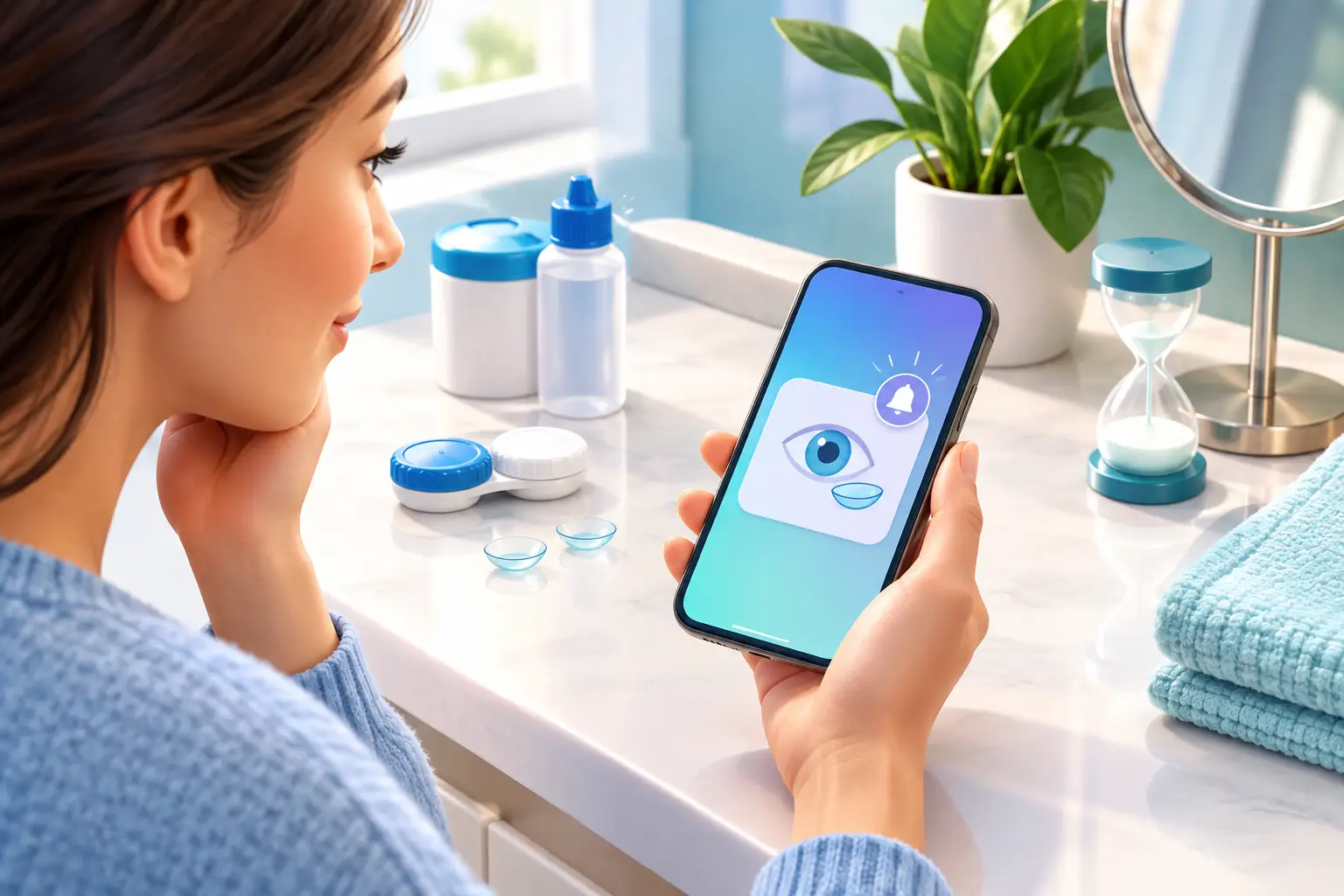
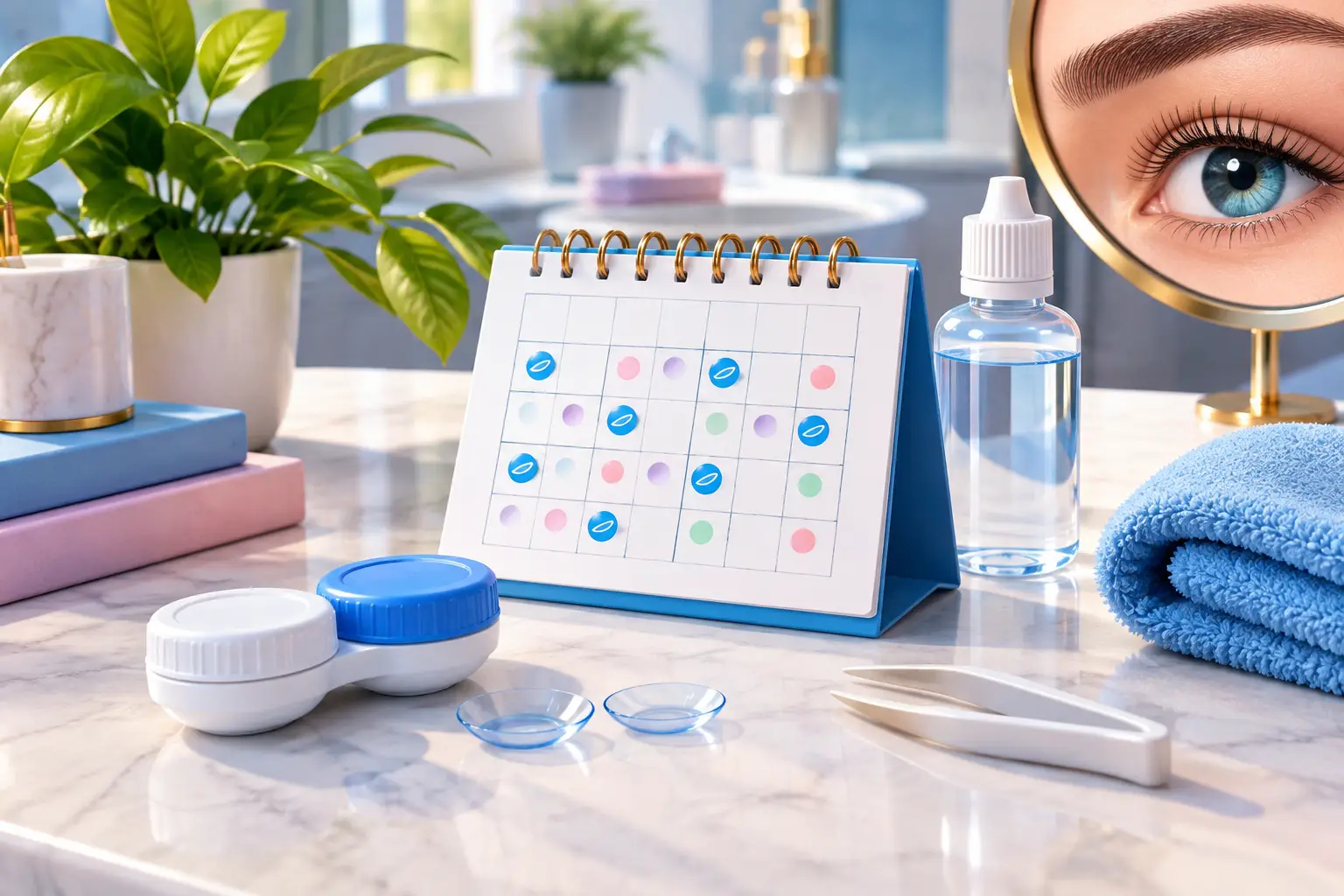
The best calendar is the one you will actually check. A paper calendar, phone calendar, planner, or simple note can work. What makes it useful is recording the same information every time you open a new pair.
Start by adding an entry on the day you open your lenses. Include the replacement date immediately rather than trying to calculate it later. For example, if you open a biweekly pair on March 3, record “Replace March 17” right away. If you open monthly lenses on March 3, record “Replace April 3.” Set a reminder one or two days before the replacement date if that gives you time to open a new pair without rushing.
For daily disposable lenses, the system is even simpler: use a new lens each day and discard it after removal. A calendar can still help you monitor supply. Add a reminder a week or two before your box will run out, especially if you wear contacts most days.
Record More Than the Date
A replacement date is the essential starting point, but a few extra details prevent common mix-ups. Each calendar entry should connect to the exact pair in its lens case. Record the lens brand or type, prescription, color if applicable, the date opened, and the date to replace it.
This is especially helpful when you keep several pairs at home. A clear prescription pair, a blue cosmetic pair, and a backup pair may all be stored nearby. Without labels, it is easy to confuse which case belongs to which lenses, even when you are certain you will remember.
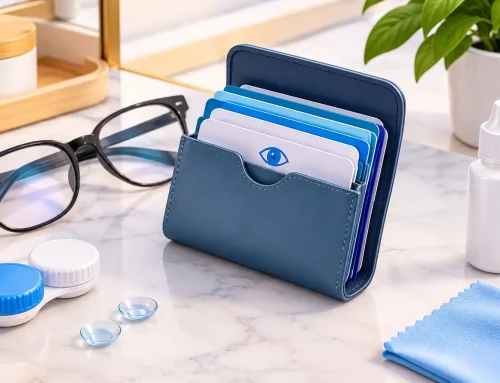
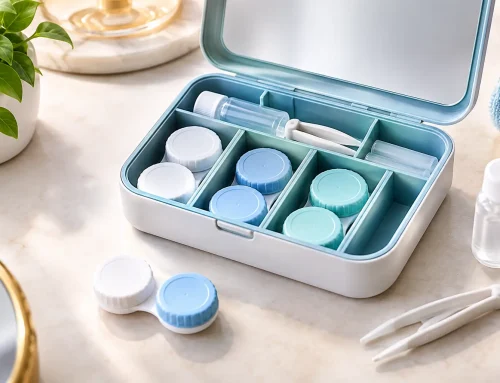
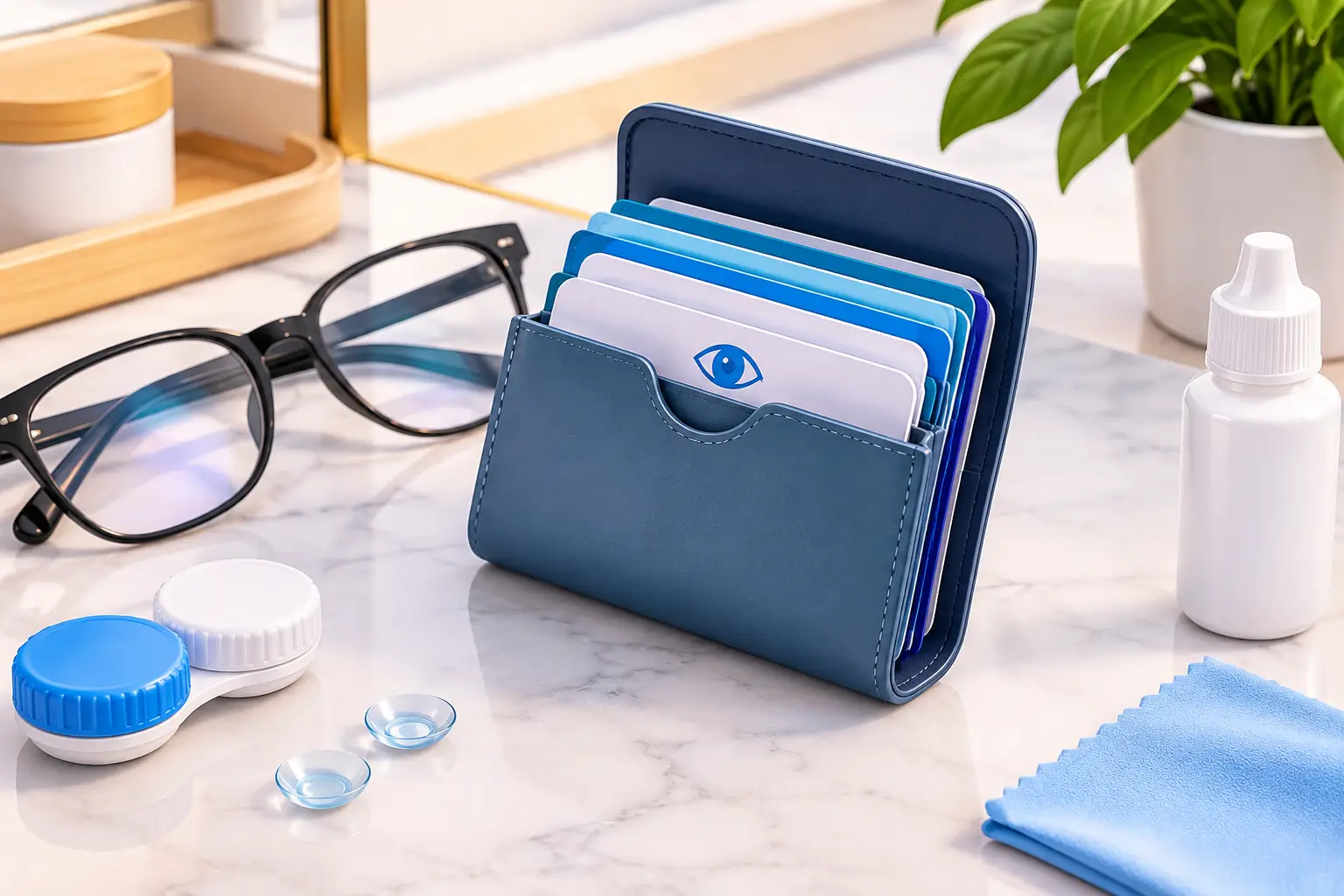
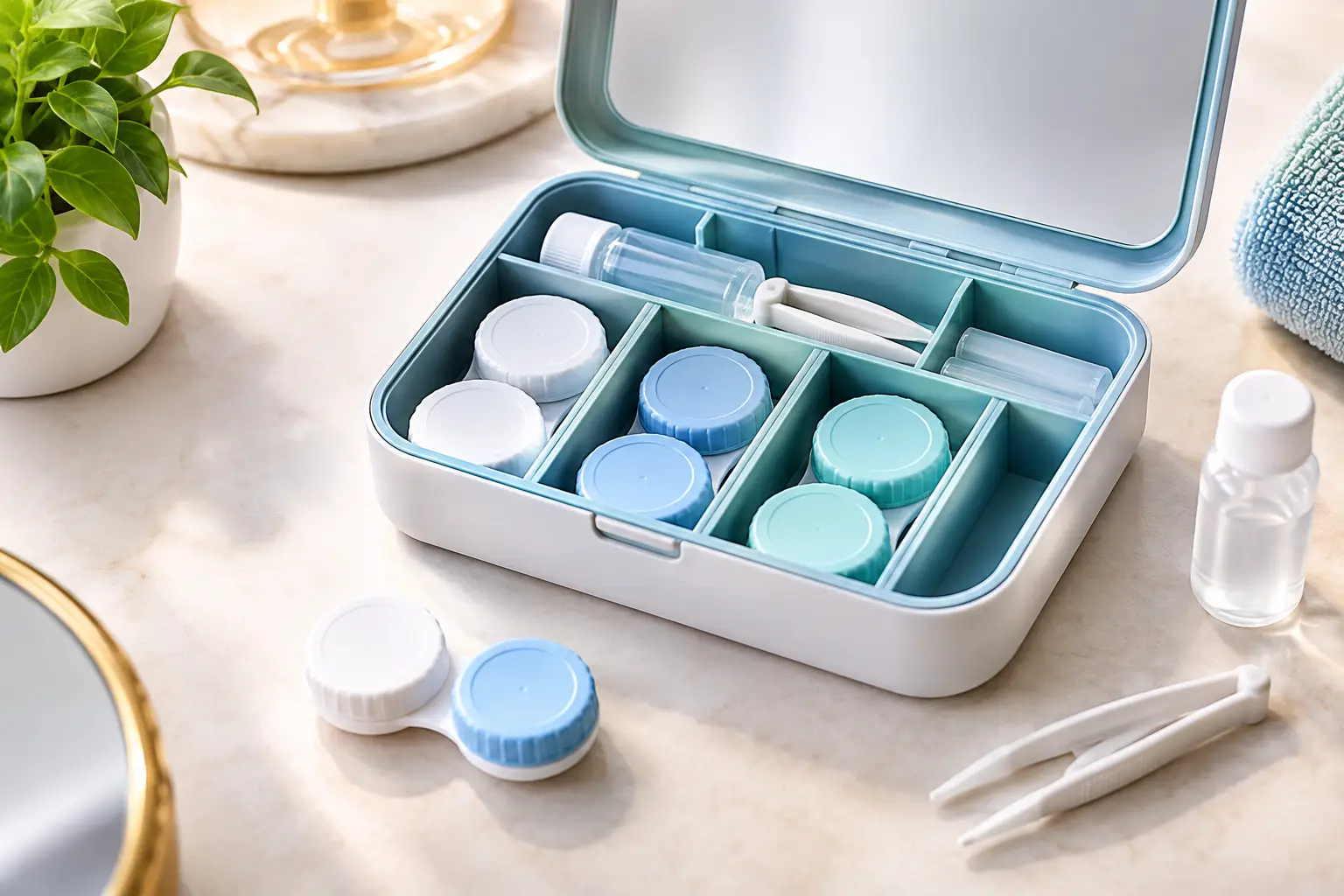
A dedicated organizer such as EYEBOX can keep the physical lens cases and their key details together. The goal is straightforward: when you see a case, you should be able to identify the prescription, color, purchase information, expiration date, and replacement timeline without hunting for a discarded box.
A Simple Schedule for Different Lens Types
Your lens replacement calendar does not need to be complicated. It just needs to match the lens type you wear.
Daily Disposable Lenses
Write down the date you begin a new box and estimate when you will need another one. If you wear one pair every day, a 30-pack lasts about 30 days per eye. If you only wear them for certain occasions, note how many lenses remain so you can order or purchase more before you run out.
Biweekly Lenses
Record the opening date and count forward 14 calendar days. Do not rely on a vague note like “sometime next week.” Add the exact replacement date. If you open the lenses on a Wednesday, your replacement reminder should land on the second Wednesday after that opening date.
Monthly Lenses
Record the date opened and the same date in the following month as the replacement date. If the next month does not have that date, choose the last day of that month or follow the guidance provided with your lenses. This is one reason a calendar reminder is better than mental math.
Colored or Cosmetic Lenses
Colored lenses need the same careful tracking as clear prescription contacts. Store the color name alongside the brand, prescription, and replacement schedule. “Green lenses” may sound specific enough until you own three similar shades or have different powers for each eye. A label such as “Hazel, right eye, -2.50, opened May 8, replace June 8” removes the uncertainty.
Avoid These Common Tracking Mistakes
The most common mistake is waiting to record details. If you tell yourself you will add the date later, the day can disappear quickly. Make recording part of opening a new lens pair: open the blister pack, write the date, calculate the replacement date, and label the case before the lenses become part of your routine.
Another mistake is tracking only one eye. Some contact lens wearers have different prescriptions, brands, or even replacement schedules for each eye. Record right and left eye details separately whenever they differ. A small amount of extra detail prevents the much bigger frustration of wearing the wrong lens or opening the wrong backup.
Do not use comfort as the only signal that it is time to replace lenses. Lenses can still feel acceptable after their scheduled replacement date, but that does not mean the date no longer applies. Follow the prescribed schedule, and remove your lenses if you have discomfort, redness, pain, blurred vision, or other concerns. Contact an eye care professional for advice rather than trying to solve an eye issue with a calendar adjustment.
Finally, do not let a full supply box become an invisible deadline. Unopened lenses have expiration dates, and older boxes can be forgotten behind newer purchases. Keep purchase dates and expiration dates visible alongside your calendar so you can use stock in an orderly way.
Make the Calendar Part of Your Routine
The easiest tracking system has one home. Keep your calendar where you naturally manage your lenses, whether that is a phone reminder you check each morning or a written log stored with your contact lens supplies. Splitting information across old boxes, loose notes, and memory creates the same confusion you are trying to avoid.
Choose one regular time to review your schedule. A quick check at the start of each week can tell you which pairs need replacing, whether you need more solution, and whether your lens supply is running low. It takes less time than searching through a drawer for packaging or second-guessing a lens case.
A well-kept lens calendar is not about making contact lens care feel complicated. It is about removing the small moments of uncertainty that make a busy morning harder. Label the pair when you open it, set the replacement date once, and let your routine give you a clear answer when it is time for a fresh start.