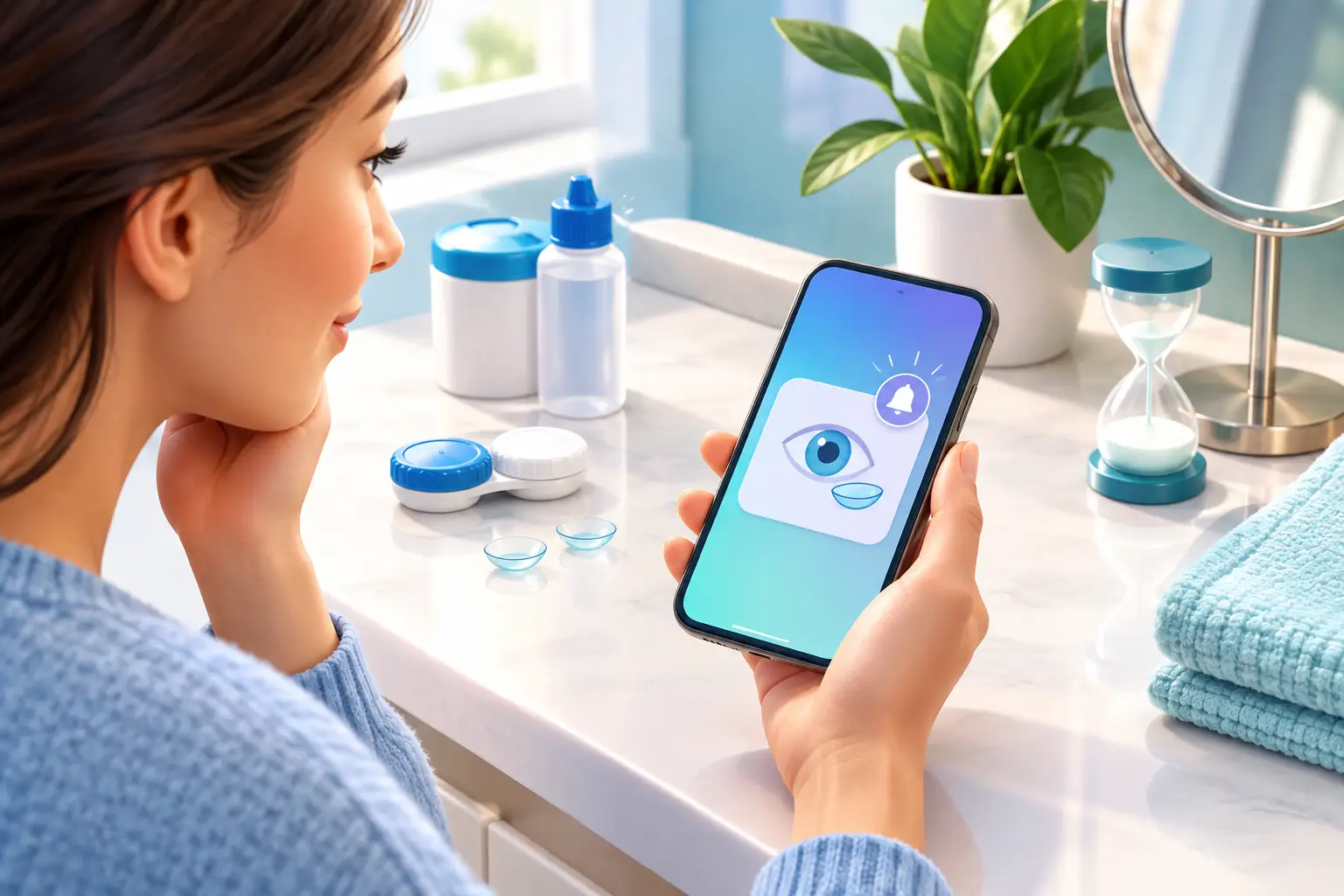
A contact lens case can look the same on day one as it does weeks later. That is what makes lens replacement reminders so easy to miss. Once the box is tossed and the original date fades from memory, it becomes difficult to tell which pair is current, which pair is nearing replacement, and which case belongs to which prescription or color.
For people who wear more than one type of lens, the problem multiplies fast. Daily lenses, monthly lenses, colored lenses for special occasions, and backup pairs can all end up sharing the same bathroom drawer. A simple reminder system turns that clutter into a routine you can trust.
Why Lens Replacement Reminders Matter
Replacement schedules are not just another calendar task. Contacts are medical devices, and each lens type has a specific replacement schedule set by its manufacturer and your eye care professional. Wearing lenses longer than directed can increase the buildup of deposits and raise the chance of discomfort, dryness, or other eye problems.
The challenge is that replacement timing is not always intuitive. A lens may still feel fine, especially if it has only been worn occasionally. But how a lens feels is not a reliable way to determine whether it is time for a new pair. The schedule starts based on the instructions you were given, not on whether the lens still seems usable.
A reliable reminder system also protects your investment. When you know exactly what you have, you are less likely to open a new pair early, lose track of a backup, or accidentally replace the wrong lenses. You spend less time searching for tiny labels and more time getting ready.
Replacement Date vs. Expiration Date
These dates serve different purposes, and mixing them up is one of the most common contact lens organization mistakes.
A replacement date tells you when to stop using an opened lens based on its approved schedule. For example, a two-week or monthly lens should be replaced according to the schedule provided by your eye care professional and lens manufacturer. Mark the opening date as soon as you begin using that pair, then calculate or record its replacement date.
An expiration date is printed on unopened lens packaging. It indicates how long the sealed lens remains sterile in its original packaging. Do not use a lens package after its expiration date, even if it has never been opened.
Keeping both dates visible prevents two different problems: wearing an opened pair longer than intended and holding onto unopened inventory that has passed its expiration date. If you use prescription and cosmetic lenses, record these details separately for every pair. Similar-looking cases should never be your only form of identification.
Choose a Reminder Method You Will Actually Use
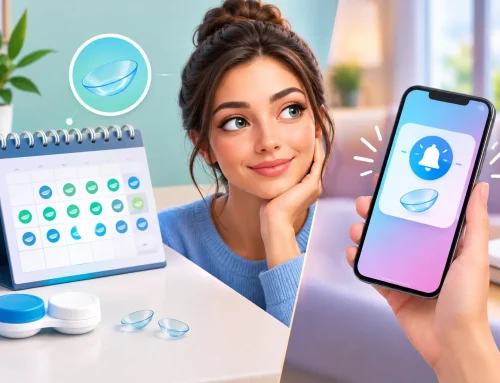
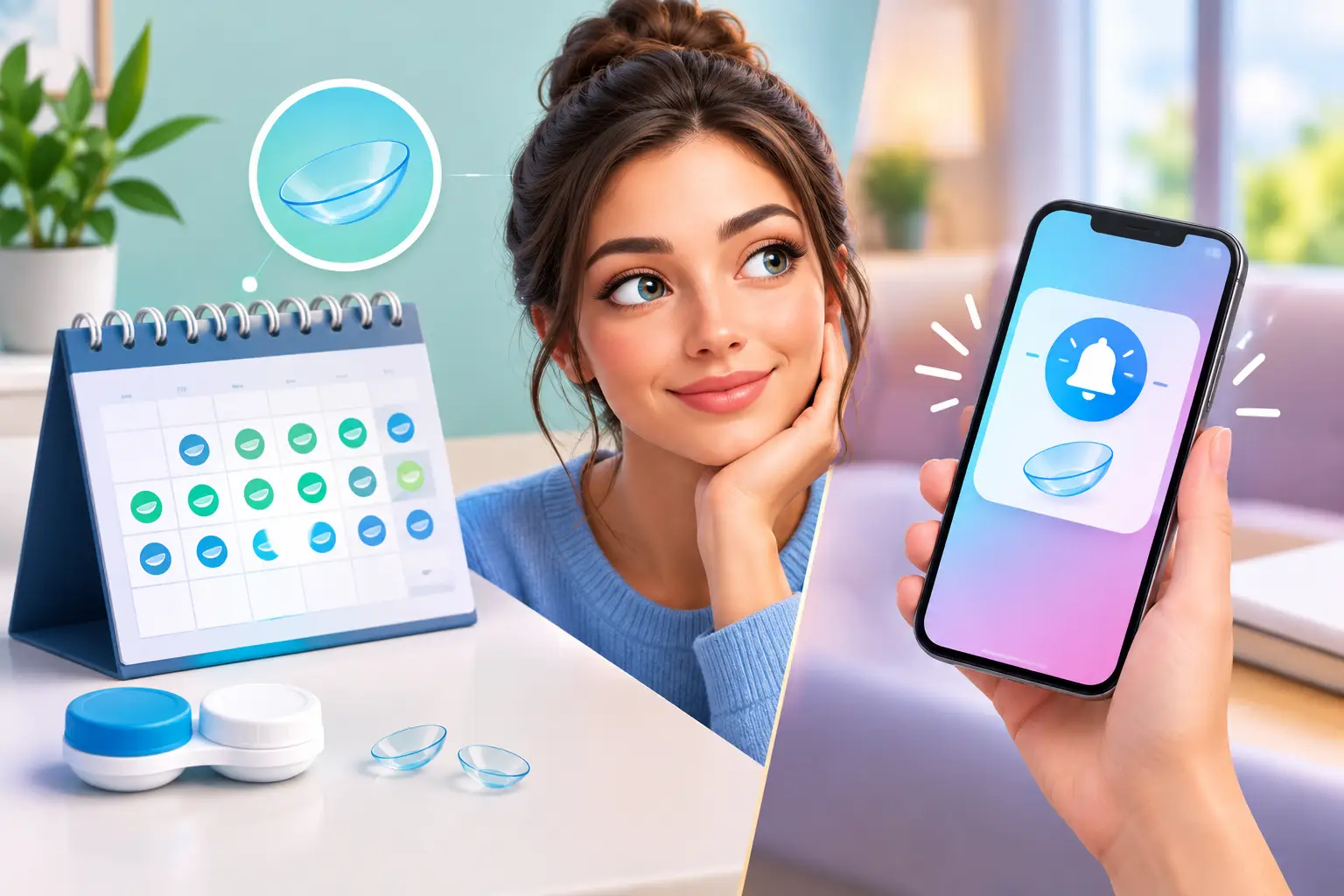
The best reminder is not necessarily the most advanced one. It is the one you will see and follow during your regular lens routine. For many people, a phone alert is helpful, but it works best when paired with a physical record near the lens cases themselves.
A good system should make four details easy to find:
- The date each lens pair was opened
- The date that pair should be replaced
- The prescription or lens parameters connected to it
- The color, brand, or intended use of the pair
Your phone can handle time-based alerts. A written label, organizer card, or record sheet can handle the details that alerts often leave out. When a notification says, “Replace contacts,” you should not have to guess whether it refers to your clear monthly lenses, your colored lenses, or the backup pair you opened for an event.
For daily disposable lenses, the reminder may be less about replacing an opened lens and more about checking inventory. A recurring reminder to review your supply can help you reorder before you run out. For reusable lenses, the reminder should clearly identify the exact pair and replacement date.
Create a Simple Lens Tracking Routine
The easiest time to record lens information is when you open a fresh pair. Waiting until later creates the same problem as tossing the package first: details get lost, and the date becomes a guess.
Start by recording the opening date, scheduled replacement date, prescription, brand, and color if applicable. If you use lenses with different powers for each eye, note right and left eye information clearly. “Blue case” or “the stronger one” is not enough when cases get moved, cleaned, or separated.
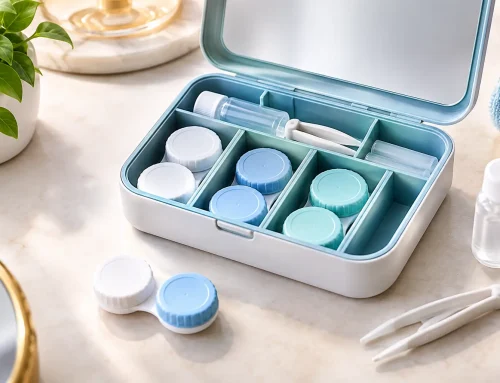
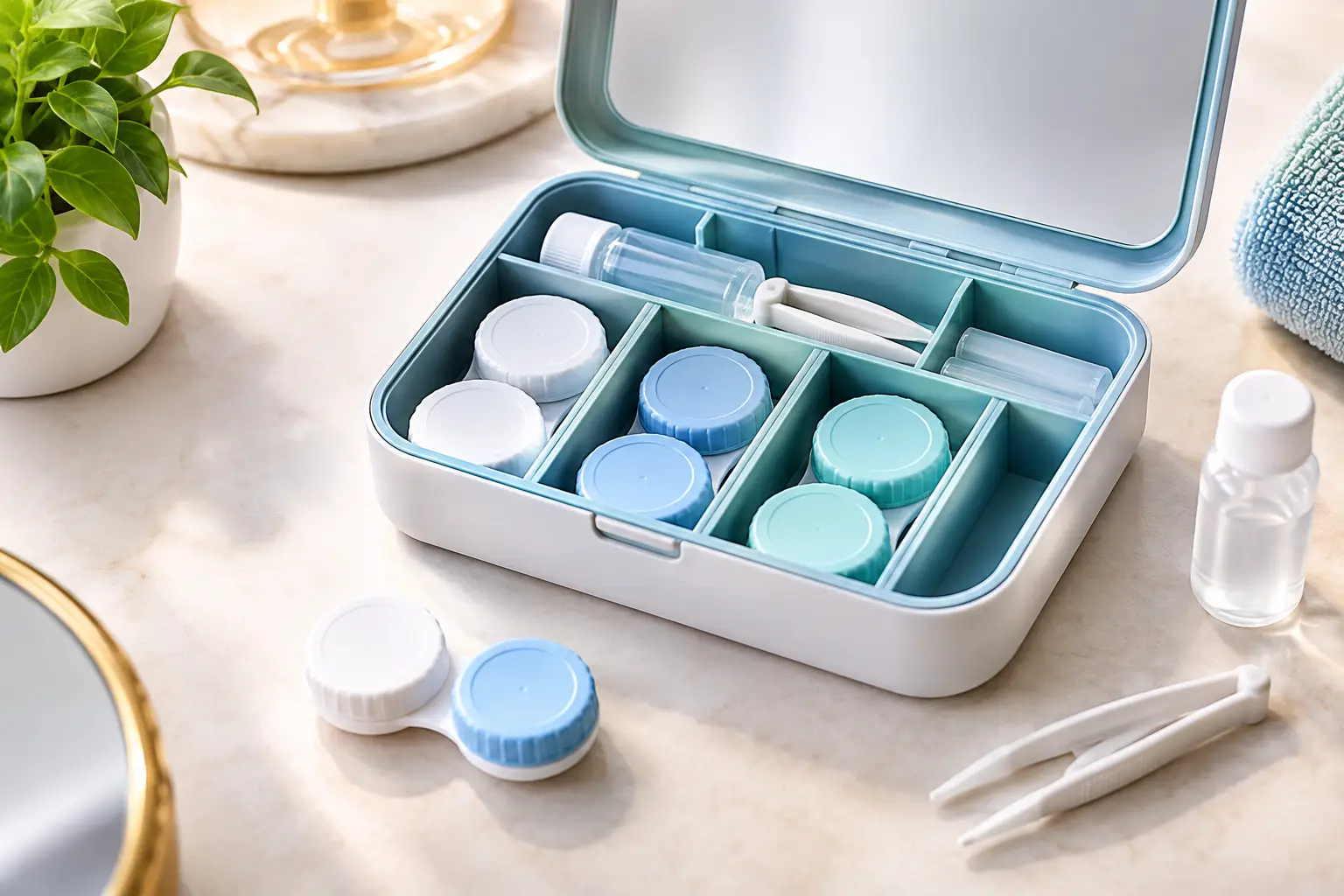
Next, give each pair a designated place. The goal is not to create a complicated system. It is to make the right information visible when you reach for your lens case. An organizer designed for lens cases, such as EYEBOX®, keeps the case with the details that matter: prescription, color, expiration date, and purchase information.
Finally, set one repeating check-in. This might be the first day of each month, the day you open a new pair, or the same day you restock lens solution. During that check-in, confirm what is currently in use, remove expired unopened packages, and check whether you need to order more lenses. A five-minute review can prevent weeks of uncertainty.
Make Reminders Work for Multiple Lens Types
Multiple lens users need more than one generic reminder. If you switch between prescription lenses and cosmetic lenses, each pair should have its own clear record. The same applies if you keep different replacement schedules or wear one set only occasionally.
It helps to think of every pair as its own item, with its own start date and end date. Do not assume a pair used only a few times can stay in rotation indefinitely. Follow the instructions from your eye care professional and the lens manufacturer for that specific lens type.
Color coding can reduce confusion, but it should support written information rather than replace it. A color marker may help you recognize a case quickly, while a record confirms the lens color, prescription, and replacement deadline. This is especially useful when you own several cosmetic shades that come in similar packaging.
Keep unopened lenses organized separately from lenses currently in use. That separation makes it easier to see your remaining supply and avoids accidentally opening a new pair when an active pair is still within its approved schedule.
Common Reminder Mistakes to Avoid
The first mistake is relying on memory. Even people with a consistent routine can lose track after a busy week, a late-night lens change, or a new prescription. If the date matters, write it down when you open the lenses.
The second mistake is keeping only the cardboard box. Packaging contains useful information, but loose boxes get thrown away, mixed up, or buried under other bathroom items. Store the important details in a place that stays connected to the lens case.
The third mistake is using one vague reminder for everything. “Contacts” is not a complete reminder when you have different prescriptions, colors, or replacement schedules. Be specific enough that the alert leads directly to the correct pair.
The fourth mistake is assuming that the replacement date can be adjusted because a lens was not worn every day. Your individual instructions may vary, so follow the guidance from your eye care professional and the lens manufacturer rather than making a schedule based on guesswork.
When Your Routine Needs a Reset
If you cannot identify the prescription, opening date, or replacement schedule for a pair of lenses, do not treat it as a small organizational issue. Set that pair aside and confirm the details before wearing it. When in doubt, contact your eye care professional for guidance.
A reset is also useful after a prescription change, a bulk lens purchase, or a move into a new bathroom setup. Clear out old packaging, review expiration dates, and build your record again from the pairs you know are current. The result is less visual clutter and fewer decisions every morning.
The right lens replacement reminders should make your routine feel lighter, not more demanding. When each case has a clear home and every pair has a visible date, you can put in your lenses with one less thing to wonder about.