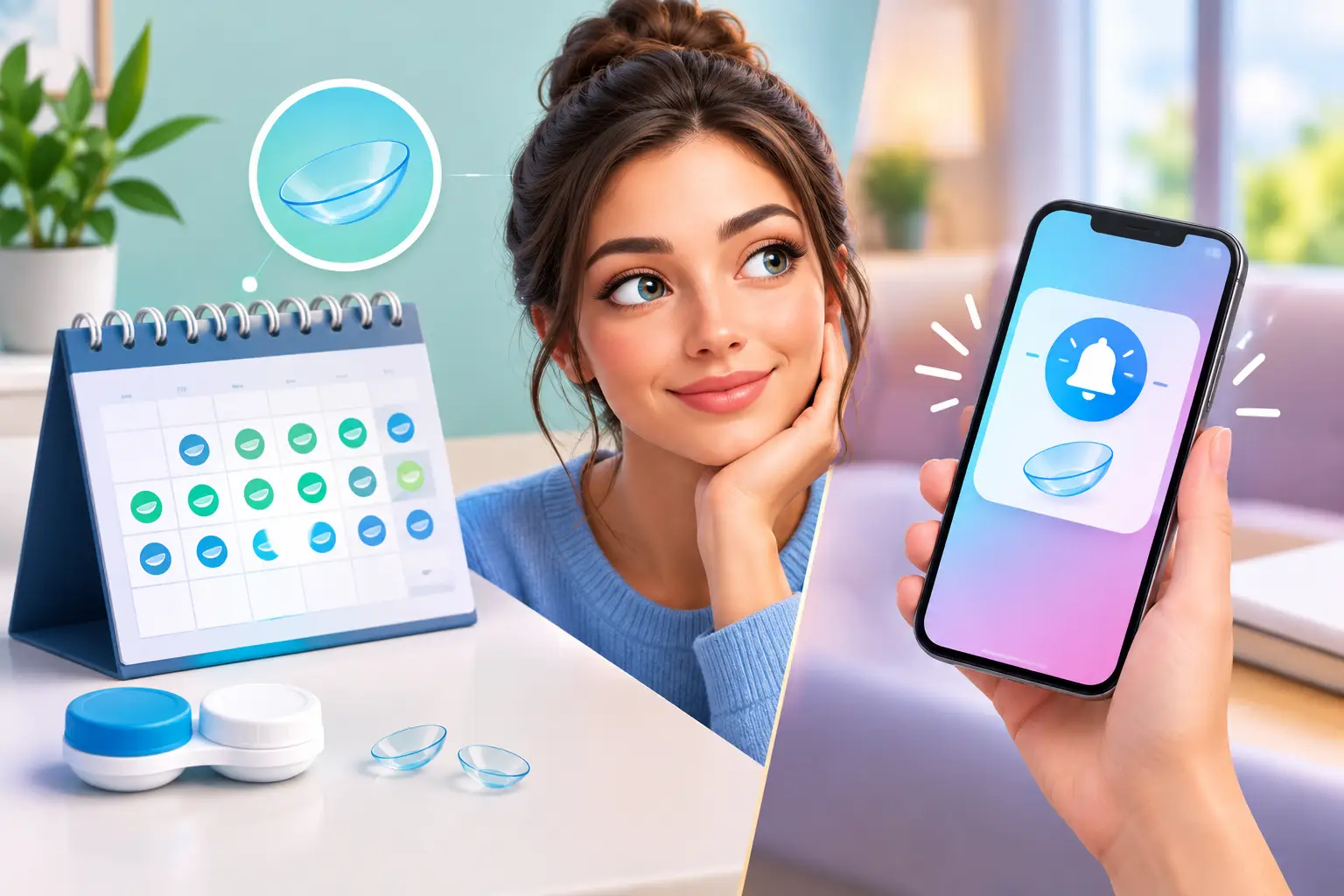
A phone reminder can tell you that a lens replacement date is coming up. It cannot tell you which clear case in the bathroom drawer belongs to your blue cosmetic lenses, what power is inside, or whether you saved the box with the expiration date. That is the real question behind a replacement chart versus phone alerts: do you only need a nudge, or do you need a system that keeps the details connected to the lenses you use?
For contact lens wearers with one simple routine, alerts can be enough. For anyone managing several prescription lenses, colored contacts, backups, or different replacement schedules, a physical chart usually solves more of the everyday problem.
Replacement Chart Versus Phone Alerts: What Each Does Well
Phone alerts are built for timing. You can set a repeating notification for a two-week lens cycle, a monthly replacement date, an eye exam, or a reminder to order more lenses. The alert appears when it is due, which is useful when your schedule is busy and replacement days tend to sneak up on you.
A replacement chart is built for identification and reference. It gives each lens case a clear place and keeps its key information visible: prescription, color, purchase date, expiration date, and the date you opened it. Instead of searching through old emails, discarded boxes, or notes with vague labels, you can look at the chart and know what is in front of you.
The difference matters because replacing lenses on time is only one part of staying organized. You also need to avoid mixing up similar cases and losing the information that tells you whether a pair is still right to use.
Phone alerts are best for one repeating deadline
If you wear the same monthly lenses every day and keep one case on the counter, a recurring phone alert is simple and effective. Set the reminder for the day before replacement day, and you have time to open a new pair without rushing.
Alerts also work well as a backup for replenishment. A notification a week or two before you expect to run out can keep you from discovering an empty box at the worst possible moment.
But alerts depend on information being entered correctly at the start. If you open a fresh pair and forget to reset the date, the reminder is no longer reliable. If you snooze it repeatedly, it can disappear into the same stream of package updates, work messages, and calendar notifications competing for your attention.
A replacement chart is best for multiple lens details
A chart earns its place when you have more than one pair to manage. Maybe you switch between clear prescription lenses and colored lenses. Maybe your right and left eye prescriptions differ, or you keep a backup pair after opening a new set. The cases may look nearly identical, especially after the original packaging is gone.
A clear record next to your stored cases reduces the guesswork. You can see the lens color, prescription, and replacement timeline before picking up a case. That is especially useful with cosmetic lenses, where a label like “brown” may not be enough if you own several shades or styles.
A physical system also makes it easier to spot missing information. If the expiration date or purchase date has not been recorded, the blank space is right there. A phone note can hold the same information, but it is easy to create a note and never open it again.
The Problem With Using Only a Phone
Your phone is always nearby, but lens information is often scattered across several places. The replacement date might be in your calendar. Your prescription could be in an email from your eye care provider. The color name may be printed on packaging you threw away. Purchase details may be buried in an order confirmation.
That creates a small task every time you need to check something. You have to stop, unlock your phone, search, and hope the record is accurate. If someone else is helping you organize a bathroom cabinet, they cannot tell what belongs where without asking you.
Phone alerts also do not visually organize the physical cases themselves. They can remind you to replace “monthly contacts,” but they cannot distinguish between two unlabeled cases sitting side by side. When the question is “Which pair is this?” an alert has no answer.
There is another issue: reminders are easy to dismiss when you are not ready to act. That does not mean phone alerts are bad. It means they are strongest when paired with a visible system that makes the next step obvious.
When a Replacement Chart Can Fall Short
A chart is not automatic. You have to fill it out when you open, purchase, or replace lenses. If you skip that step, it cannot protect you from missing details later.
It also will not send a notification while you are away from your lens storage area. If you need a prompt before a replacement date, a phone alert still has an advantage. This is why the best choice is often not chart or alert. It is a chart for clear records and case identification, plus a phone reminder for time-sensitive prompts.
For daily disposable lenses, the system can be simpler. Since daily lenses are discarded after one use and should not be stored for reuse, you may primarily need a way to track box expiration dates, prescription details, and your supply level. For reusable lenses, recording the date you opened each pair becomes much more valuable.
Whatever lens type you wear, follow the replacement schedule and care instructions provided by your eye care professional and lens manufacturer. Organization helps you keep track of your routine, but it does not change the care guidance for your specific lenses.
How to Build a System You Will Actually Use
Start by gathering every active lens case, unopened box, and any packaging you still have. Before organizing anything, match each case to the correct lens information. This is the moment to confirm prescription, color, brand, expiration date, and replacement schedule instead of relying on memory.
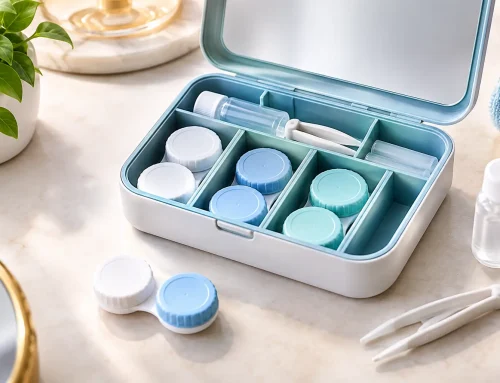
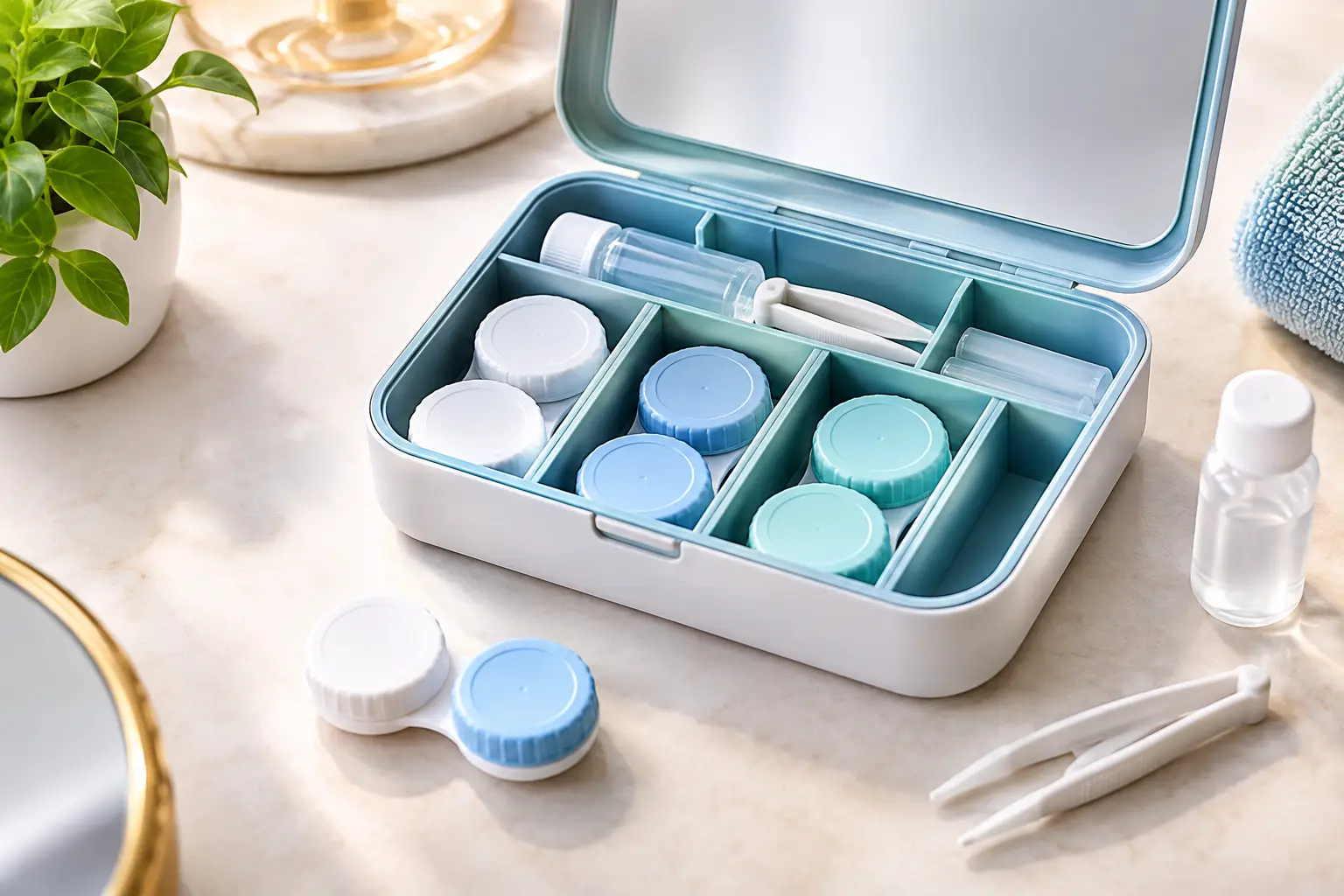
Then give each pair one dedicated spot. A purpose-built organizer such as EYEBOX® keeps the case and its essential details together, so the information does not get separated from the lenses it describes. Use clear, consistent labels. “Gray monthly, -2.50” is more useful than “contacts” or “new pair.”
Record the date you opened each reusable pair. If your lenses are replaced every two weeks, calculate the replacement date immediately and write it down. If they are monthly, do the same. You do not need a complicated tracking method. The goal is to make the answer visible when you need it.
Finally, add one phone reminder only for the deadline that matters most. Set it a day or two before the replacement date, not on the date itself. That small buffer gives you time to confirm you have a new pair available and prevents last-minute scrambling.
A Simple Decision Based on Your Routine
Choose phone alerts as your main tool if you wear one type of lens, have a predictable schedule, and rarely lose track of which case is which. Keep the reminder specific, such as “Open new monthly lenses,” rather than a generic “contacts” notification.
Choose a replacement chart as your main tool if you manage multiple pairs, wear colored contacts, keep spare lenses, or frequently find yourself asking what is inside a case. The more details you need to remember, the more helpful it is to have them stored where your lenses live.
Use both if missed replacement dates are your main concern but mixed-up cases and lost packaging are also part of your routine. The chart gives you clarity at the counter. The alert gives you a timely nudge before the date passes.
The best contact lens routine is not the one with the most reminders. It is the one that lets you look at your lens storage, recognize every pair immediately, and make the right next choice without searching, guessing, or starting over.